|
Plan |
Best for |
Monthly billing |
Annual billing |
|
Starter |
Selling through social media or messaging apps without a full online store |
$5/mo |
$5/mo |
|
Basic |
New businesses ready to launch a full online store |
$39/mo |
$29/mo |
|
Grow |
Growing businesses with consistent sales needing advanced reporting and more staff accounts |
$105/mo |
$79/mo |
|
Advanced |
High-volume businesses needing lowest transaction fees or migrating from another platform |
$399/mo |
$299/mo |
How KwikAds helped Shop Unrush boost ROAS by 37% in 3 months
How KwikAds helped Shop Unrush boost ROAS by 37% in 3 months
How KwikAds helped Shop Unrush boost ROAS by 37% in 3 months
How KwikAds helped Shop Unrush boost ROAS by 37% in 3 months
Shopify
How to Choose the Right Shopify Plan for Your Business
 03 Jun 2026
 10 Min Read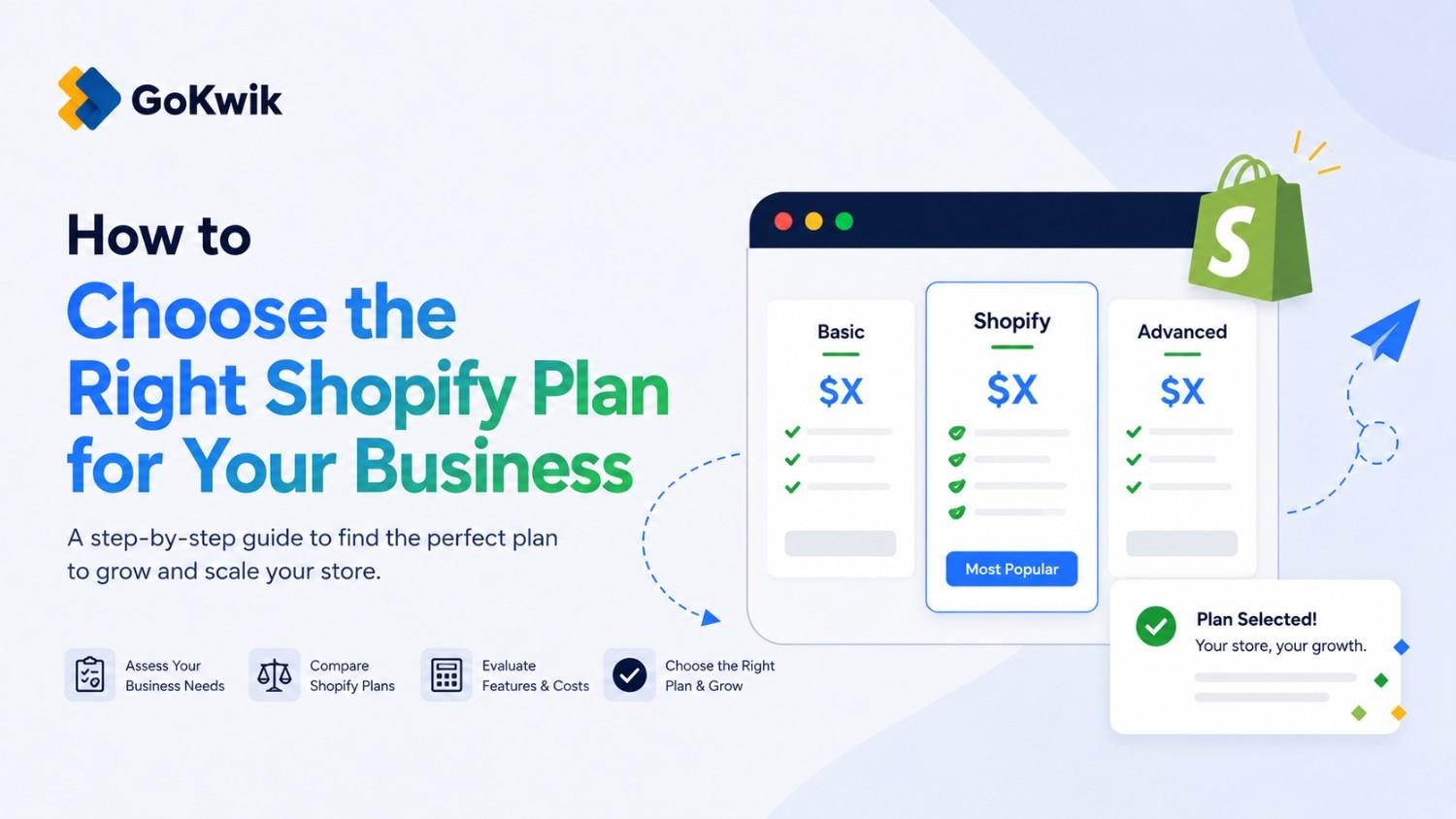
Parousia leads product marketing strategies at GoKwik, and she is an expert in driving e-commerce optimisation, conversion growth, and innovative GTM strategies. She crafts compelling messaging and creates content pertaining to D2C commerce.
Read this blog on your favourite platform
Choosing the wrong Shopify plan means either overpaying for features you don't need or missing features that could improve your margins. The right plan depends on your sales volume, where you sell, and whether you use Shopify Payments. This guide walks you through how to evaluate each plan against your business needs and shows you exactly when upgrading saves money.
Who Should Use This Guide
This article is for:
- New merchants setting up their first Shopify store
- Existing merchants reviewing whether their current plan still fits
- D2C brands evaluating costs as sales scale
- Store owners comparing transaction fee structures across plans
Understanding Shopify's Core Plans
Shopify offers four main subscription plans, each designed for different business stages and sales volumes. Before comparing features, understand what each plan is built for.
Plan Overview
The Starter plan is only available to new merchants and those in the free trial period. It does not include a full online store.
The Basic plan is designed for merchants launching their first full ecommerce store. It includes all essential features to start selling online.
The Grow plan adds advanced reporting capabilities and additional staff accounts, making it suitable for businesses that have moved past the startup phase and need more control.
The Advanced plan provides the lowest transaction fees and enhanced features for retail stores, designed for merchants operating at scale or managing complex operations.
Review current pricing details on theShopify pricing page before making your decision.
Step 1: Define Where You Sell
Your selling channels determine which plan makes sense.
If you only sell through social media or messaging apps: The Starter plan may be sufficient. You won't have a full online store, but you can process sales through integrated channels.
If you need a full online store: Start with the Basic plan. This gives you a complete Shopify storefront, product catalog, and checkout.
If you sell in person: Consider whether you need advanced Shopify or not, POS POS Lite is included at no extra cost on all standard plans. The Advanced plan includes enhanced retail features if you operate physical locations at scale. The Grow and Advanced plans also allow more POS Pro locations depending on your contract terms.
If you sell B2B: Shopify B2B features are available on all plans, but the scope of features and permissions varies. Review theB2B features by plan to understand what's included at each tier.
Step 2: Check Staff Account Requirements
The number of staff accounts you can add depends on your plan.
- Basic plan: No additional staff accounts beyond the store owner
- Grow plan: 5 staff accounts
- Advanced plan: 15 staff accounts
- Shopify Plus plan: Unlimited staff accounts
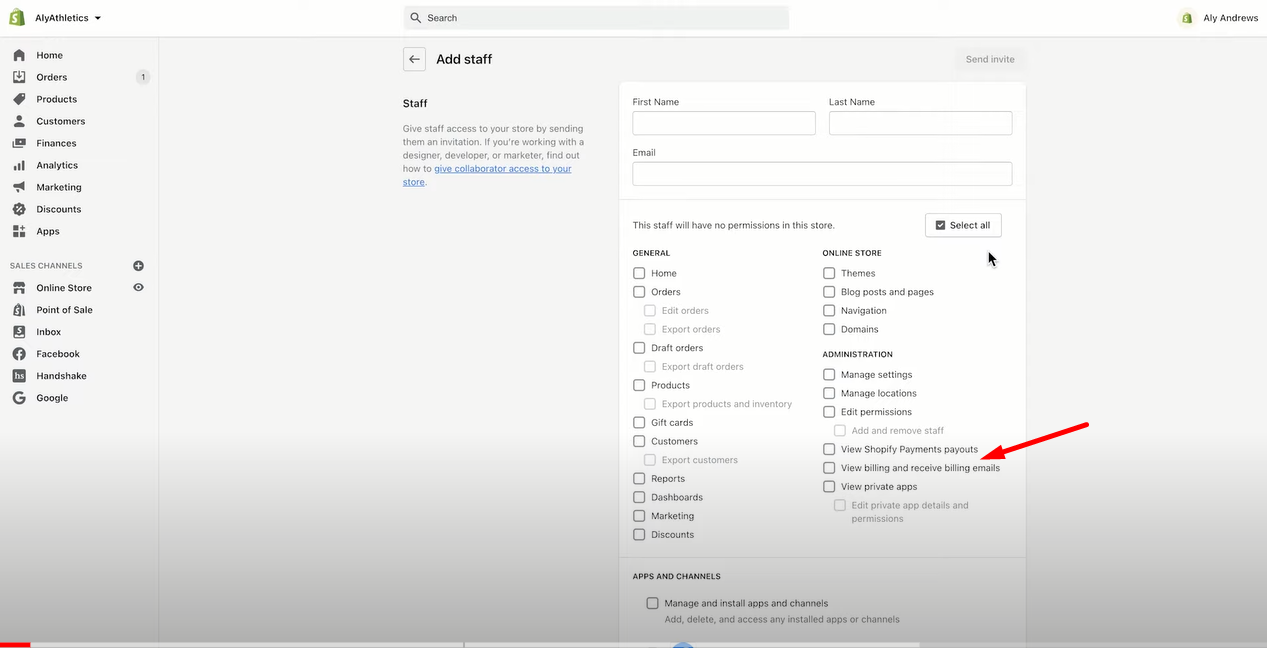
Staff accounts are added and managed under Shopify admin > Settings > Users and permissions, not on the Plan page. The Plan page shows your limit; the Users and permissions page is where you invite team members and set their access levels.
Note on third-party collaborators: All Shopify plans allow you to invite an unlimited number of third-party collaborators — developers, agencies, or freelancers — to your store admin. Collaborator accounts do not count against your plan's staff account limit. If your only reason for considering an upgrade is giving a developer or contractor access to your store, collaborator accounts may be sufficient without changing plans. Collaborators are managed under Shopify admin > Settings > Users and permissions > Collaborators.
Source: Shopify
Step 3: Determine If You Use Shopify Payments
Transaction fee structures differ significantly based on whether you use Shopify Payments.
If you use Shopify Payments: Credit card processing fees decrease as you move to higher-tier plans. There are no additional transaction fees beyond card processing rates.
If you use a third-party payment provider: Shopify charges a transaction fee on top of your payment provider's fees. These transaction fees also decrease on higher-tier plans, but the break-even point for upgrading happens much earlier.
Check the current credit card rates and transaction fees on the Shopify pricing page. These rates vary by region.
Step 4: Calculate Your Break-Even Point
Upgrading saves money once your sales volume is high enough that lower transaction fees offset the higher monthly cost.
The exact break-even point depends on your location and whether you use Shopify Payments.
When to Upgrade to the Grow Plan
If you're not using Shopify Payments, the break-even point is much lower across all regions because you're paying both third-party processing fees and Shopify's transaction fees.
When to Upgrade to the Advanced Plan
These are estimated break-even points based on the difference in credit card processing rates between plans. Your actual savings may vary depending on your average order value and transaction mix.
|
Region |
Using Shopify Payments |
Not Using Shopify Payments |
|
United States, United Kingdom, Ireland |
$200,000 USD/year |
$60,000 USD/year |
|
Canada, New Zealand |
$300,000 USD/year |
$60,000 USD/year |
|
Australia |
$400,000 USD/year |
$60,000 USD/year |
|
Singapore |
$600,000 USD/year |
$60,000 USD/year |
Step 5: Review Reporting and Analytics Needs
Higher-tier plans include more advanced reporting capabilities.
Basic plan: Includes standard reports covering sales, orders, and customers.
Grow plan: Adds advanced reporting, giving you deeper insights into customer behavior, product performance, and sales trends.
Advanced plan: Includes all Grow plan reports plus custom report building.
If you rely on data to make inventory, marketing, or pricing decisions, advanced reporting becomes valuable as your business grows. Evaluate whether you currently export data to external tools or feel limited by basic reporting.
In Shopify's documentation, the reporting tier included in the Grow plan is referred to as professional reports, while the custom report builder is exclusive to the Advanced plan. If you encounter either term in Shopify's Help Center, they map to the plan tiers described above.
Step 6: Consider Future Growth
Choose a plan that supports where you'll be in 6 to 12 months, not just where you are today.
If you're launching a new store with limited sales, start with the Basic plan. You can upgrade anytime as your volume increases.
If you're migrating from another platform with established sales, calculate your annual volume and compare it against the break-even tables. You may save money immediately by starting on the Grow or Advanced plan.
If you operate a high-volume enterprise business, explore Shopify for enterprise options. These include modular commerce components, enhanced SLAs, and dedicated support. Learn more about Shopify for enterprise.
Common Mistakes When Choosing a Plan
Upgrading too early: If your sales haven't reached the break-even point, upgrading costs more than it saves. Use the break-even tables to time your upgrade.
Staying on Basic too long: Once you cross the break-even threshold, staying on a lower-tier plan means you're overpaying through higher transaction fees.
Not accounting for staff needs: If you realize later that you need team access, you'll be forced to upgrade even if your sales volume doesn't justify it yet.
Ignoring payment provider impact: The transaction fees charged when not using Shopify Payments significantly lower the break-even point. If you're using a third-party gateway and processing over $60,000 USD annually, calculate whether upgrading saves money.
Not comparing monthly vs. annual billing before committing: If your plan choice is clear, switching to annual billing before your next renewal reduces your monthly cost by roughly 25% across all standard tiers.
How to Change Your Plan
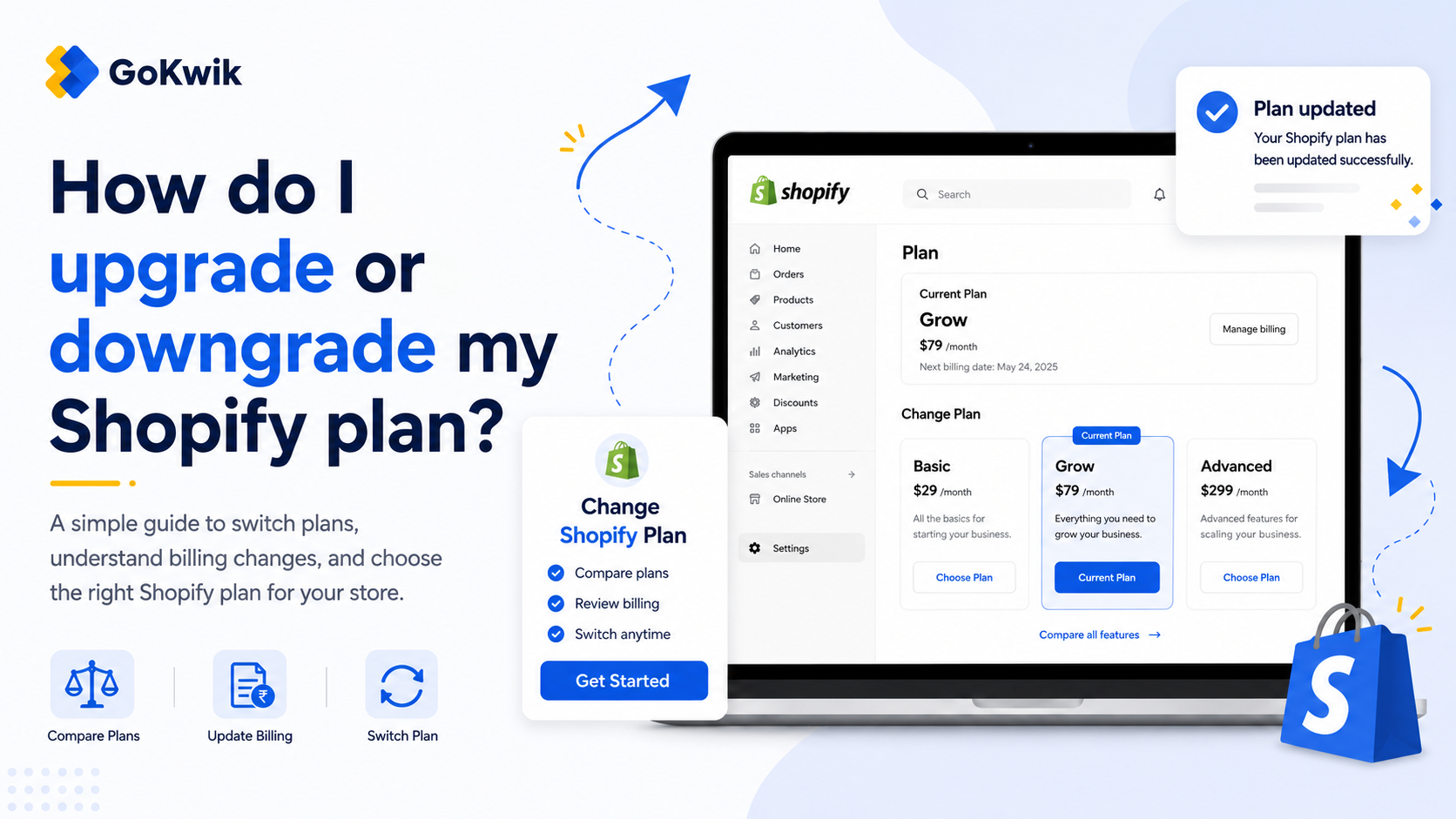
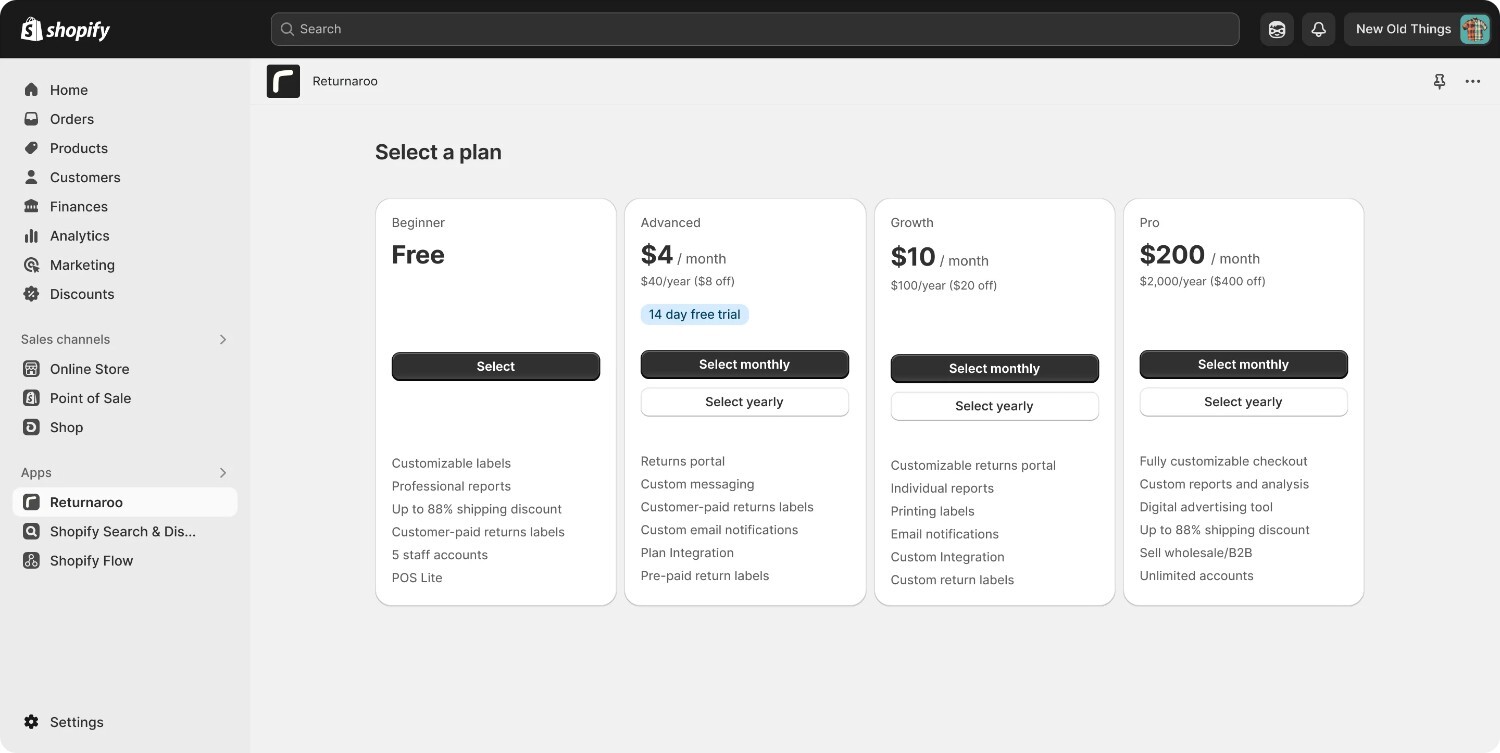
If you decide to upgrade or downgrade, you can change your plan anytime from your Shopify admin.
- Go to Shopify admin > Settings > Plan
- Review available plans and their features
- Click the plan you want to switch to
- Confirm the change
Source: Shopify
Plan changes take effect immediately. If you upgrade mid-billing cycle, Shopify prorates the cost. If you downgrade, the change typically applies at the start of your next billing cycle.
What About Shopify Plus?
Shopify Plus is designed for high-volume merchants and enterprise businesses. It includes unlimited staff accounts, advanced automation through Shopify Flow, wholesale channels, and dedicated support.
Consider Shopify Plus if you're processing significant volume, need custom checkout experiences, require advanced B2B functionality, or want access to exclusive partner integrations.
Shopify Plus pricing is custom and based on your sales volume. Contact Shopify's sales team to discuss whether Plus fits your business.
💡Tip from Reddit Conversations:
I stayed on Basic way too long because I didn't realise the transaction fees were eating into margins. Once I did the math, upgrading to Shopify paid for itself in the first month just from fee savings.
FAQ
When should I upgrade from Basic to Grow?
Upgrade when your annual sales reach the break-even point for your region and payment setup. For US merchants using Shopify Payments, that's around $200,000 USD annually. If you're not using Shopify Payments, the threshold drops to $60,000 USD annually. You may also need to upgrade earlier if you require more than zero additional staff accounts or need advanced reporting.
Can I start with the Advanced plan as a new store?
Yes, but it usually doesn't make financial sense. The Advanced plan's main benefit is lower transaction fees, which only save money at high sales volumes. If you're launching a new store, start with Basic and upgrade once your sales justify the cost difference.
What happens to my store if I downgrade my plan?
Your store continues operating, but you may lose access to features included in higher-tier plans. For example, if you downgrade from Grow to Basic, you'll lose advanced reports and additional staff accounts. Any staff accounts beyond the Basic plan limit will be deactivated. Review what you'll lose before downgrading.
Do transaction fees apply to all sales or just online orders?
Transaction fees apply to all sales processed through Shopify, including online orders, POS transactions, and sales through other channels. The fees are the same regardless of where the transaction originates. This is why break-even calculations are based on total sales volume, not just online revenue.
Is Shopify Payments required to get the best rates?
No, but it gives you the lowest overall fees. If you use a third-party payment provider, Shopify charges an additional transaction fee on top of your payment processor's fees. This makes the total cost higher and lowers the break-even point for upgrading. Compare your total processing costs with and without Shopify Payments before deciding.
Shopify Payments is not currently available in India. Indian merchants will incur the third-party transaction fee in addition to their payment provider's fees, making the break-even calculation for upgrading plans especially important to run.
Next Step
Review your current annual sales volume, count how many staff accounts you need, and compare your numbers against the break-even tables to identify which plan saves you the most money.

AUTHOR
Parousia Khan
Senior Product Marketing Manager @GoKwik